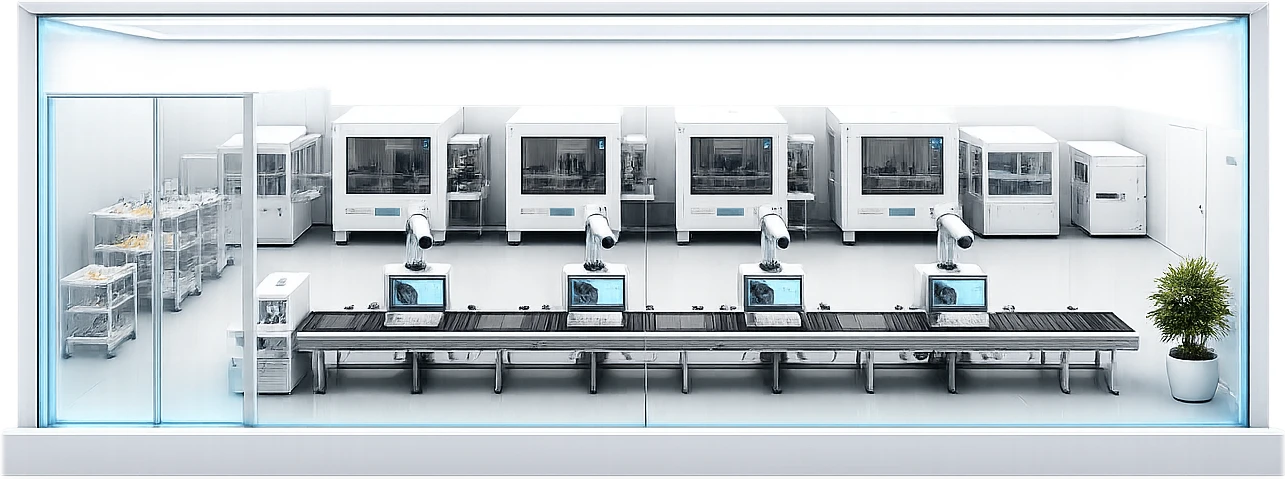
Vision AI spots damage and defects, and AOI re-checks cut false rejects for consistent quality.
Turn image data
into production-ready
vision AI
Annotate images, train models and deploy vision AI.
Manage every site from one platform.
* Actual results vary with data quality, model, and application environment.
Prepare data, train models and manage deployment in one visual workspace.
Vision AI for a wide range of applications
Build classification, detection, segmentation and anomaly models in one place.
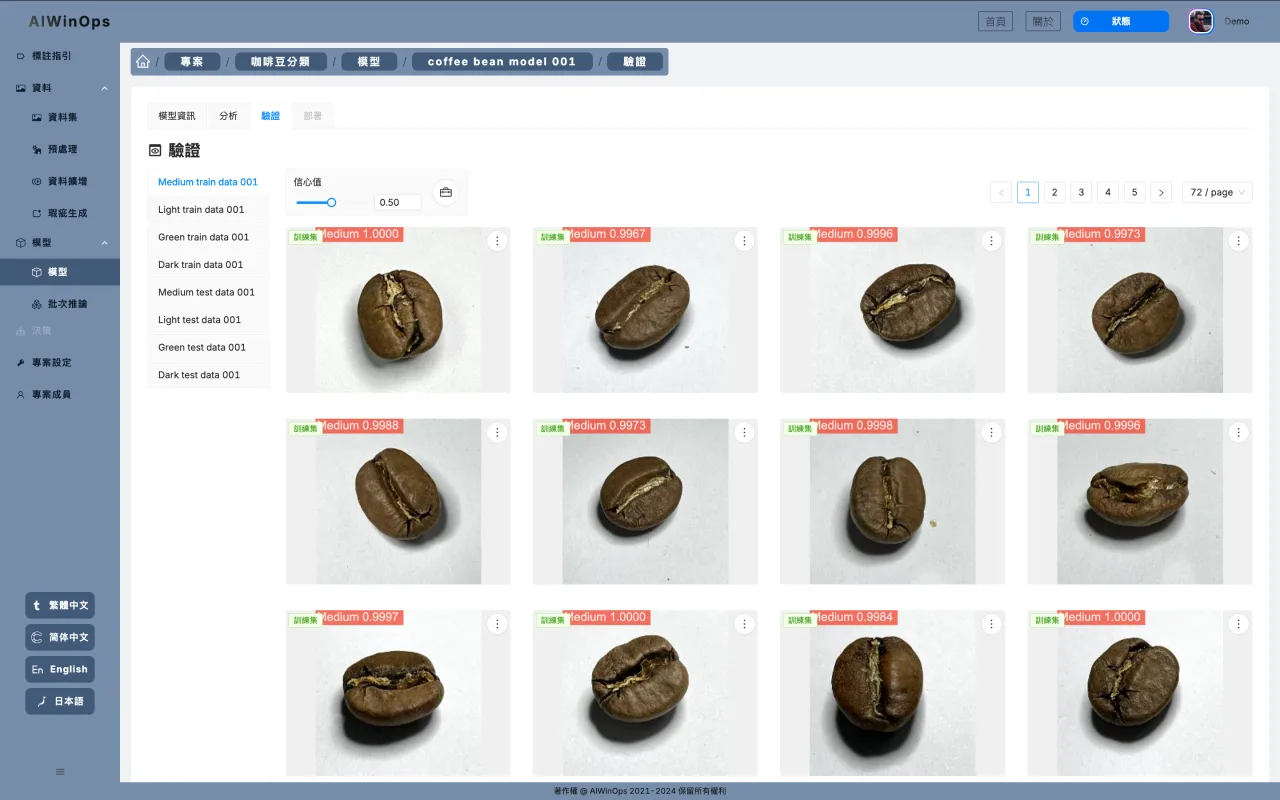
Classify images and manage labels automatically.
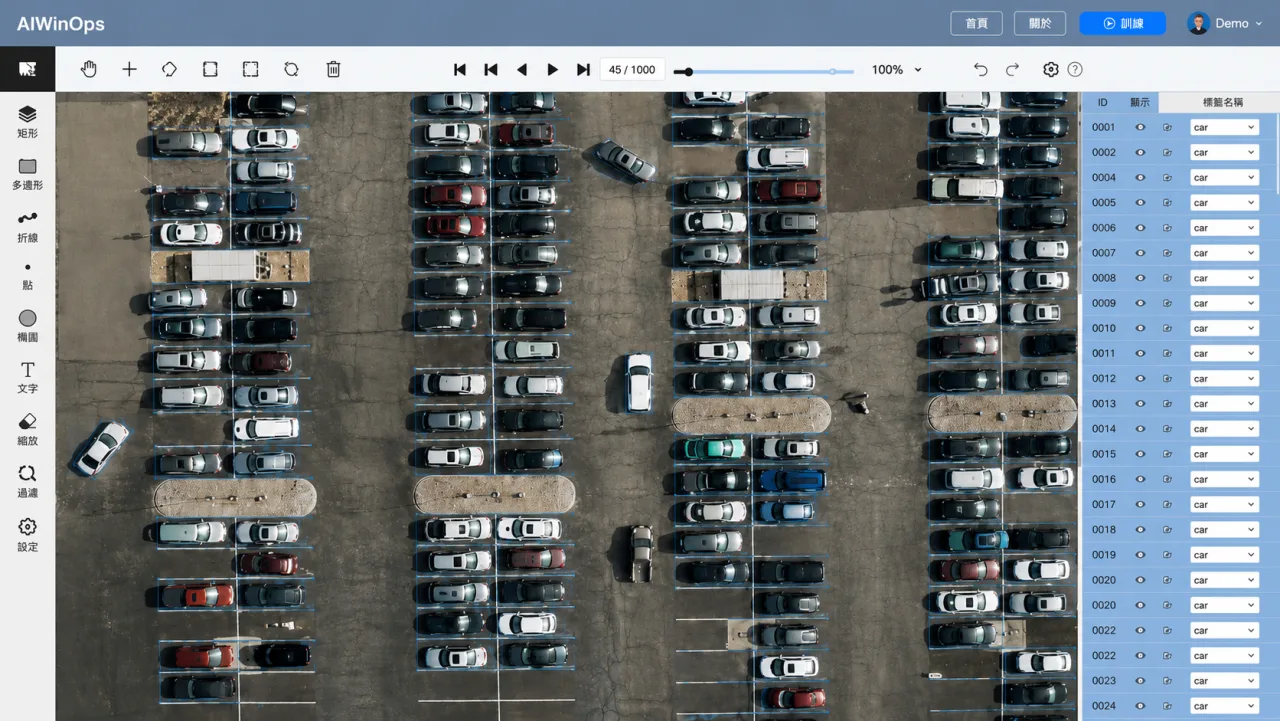
Locate target objects precisely and identify their position and count in real time.
Separate image regions in fine detail for more accurate contours and features.
Train on a small set of normal samples to find anomalies and defects automatically.
Generate more defect samples with AI to speed up model training and tuning.
See AI vision at work in quality, safety and production.
Vision AI spots damage and defects, and AOI re-checks cut false rejects for consistent quality.
Vision AI spots damage and defects, and AOI re-checks cut false rejects for consistent quality.
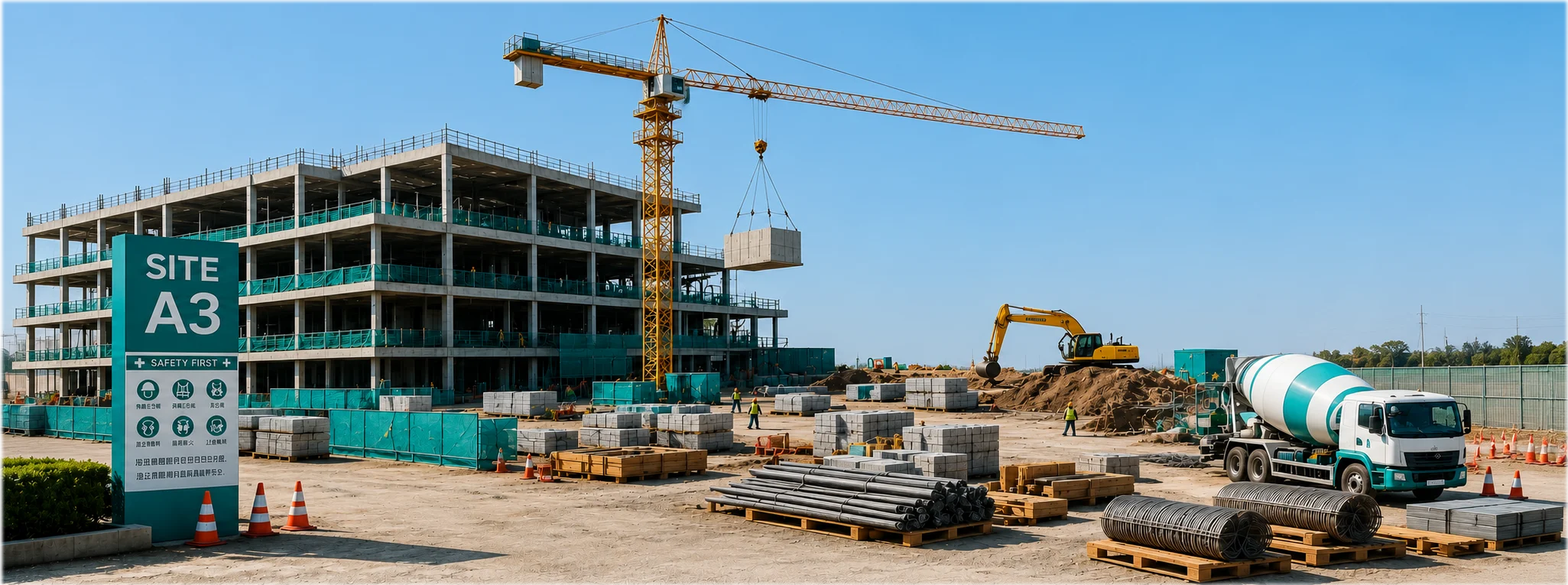
Detect missing PPE and restricted-area entry in real time to reduce safety incidents.
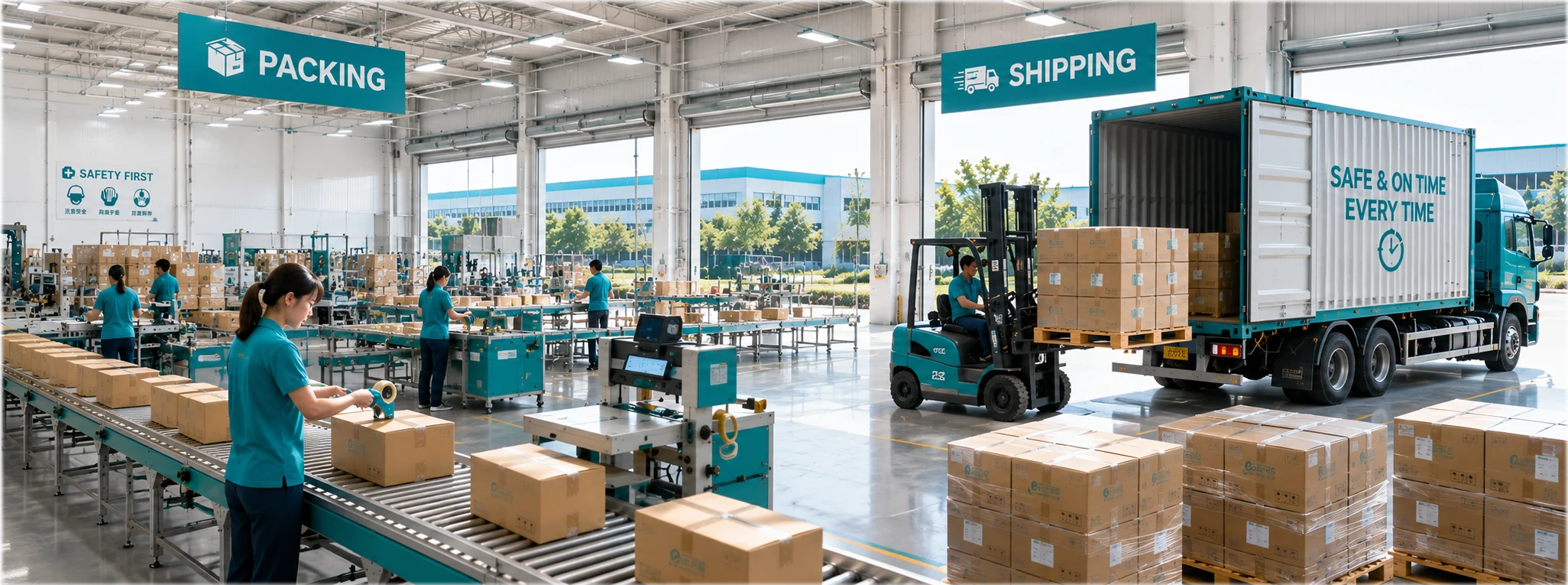
Recognize work steps and operator actions, and flag anomalies or missed steps in real time.
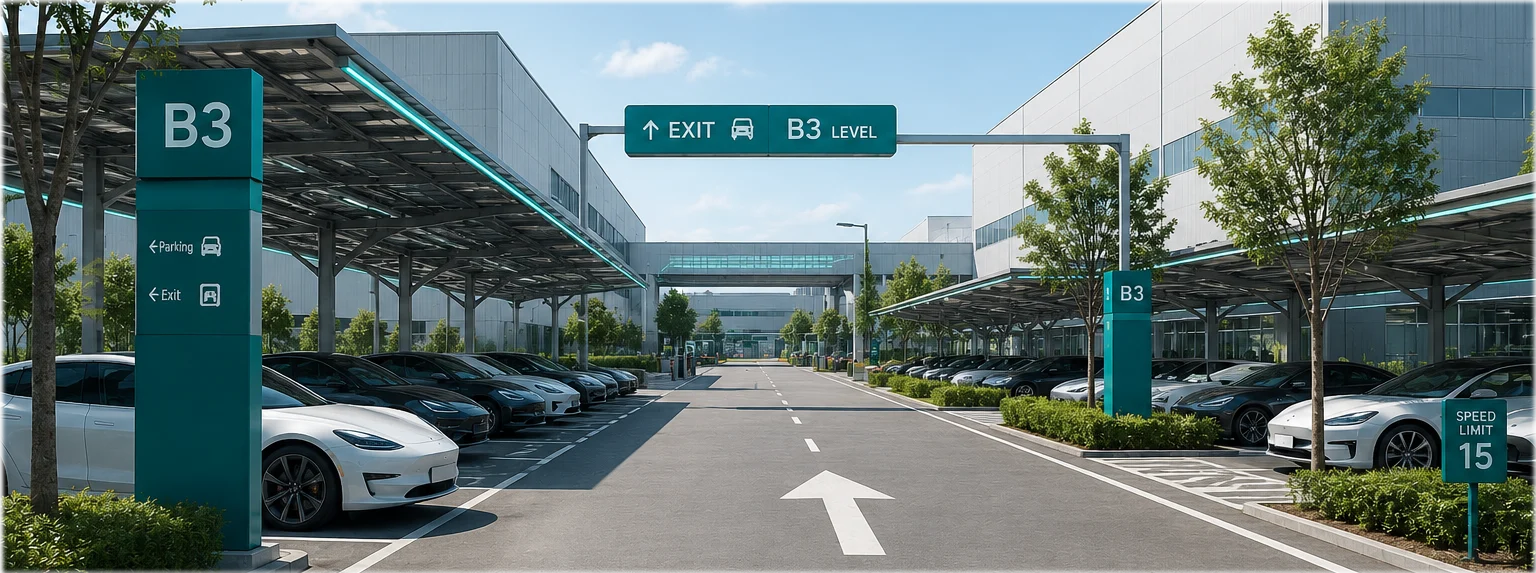
AI license plate recognition and traffic analysis show parking status and vehicle movement in real time.
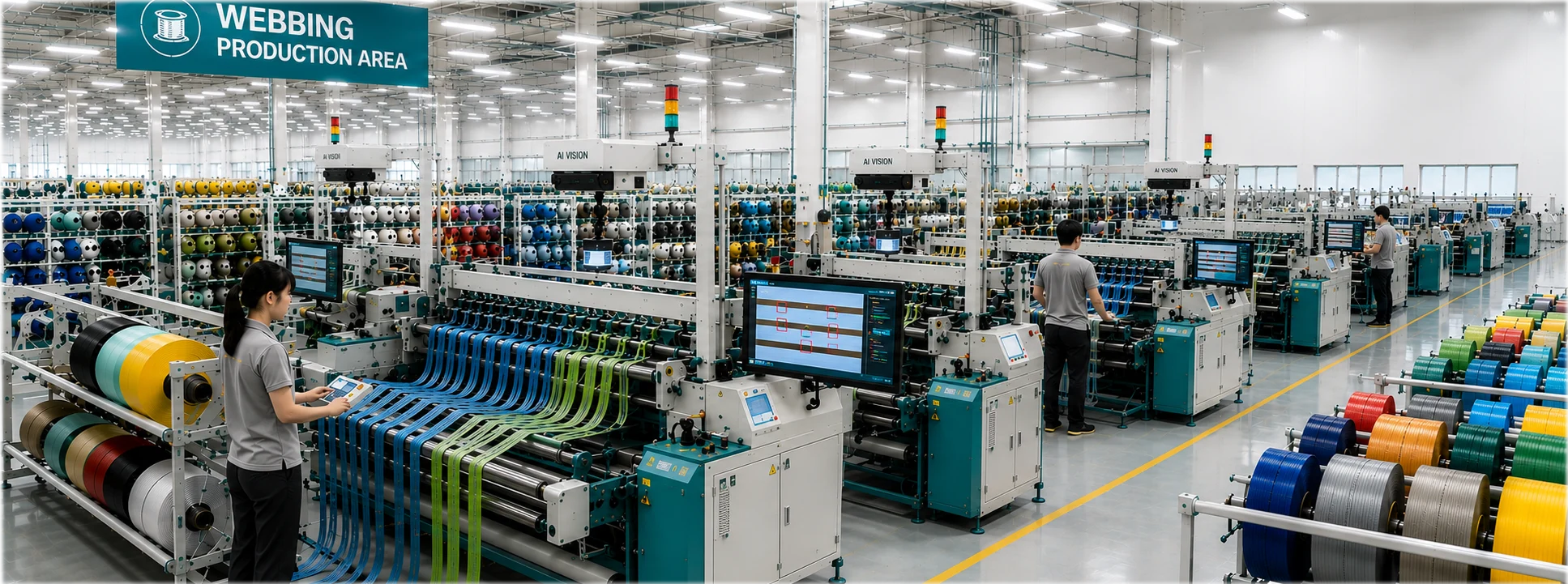
Spot fabric defects and broken yarns in real time to keep defective goods from shipping and raise quality.
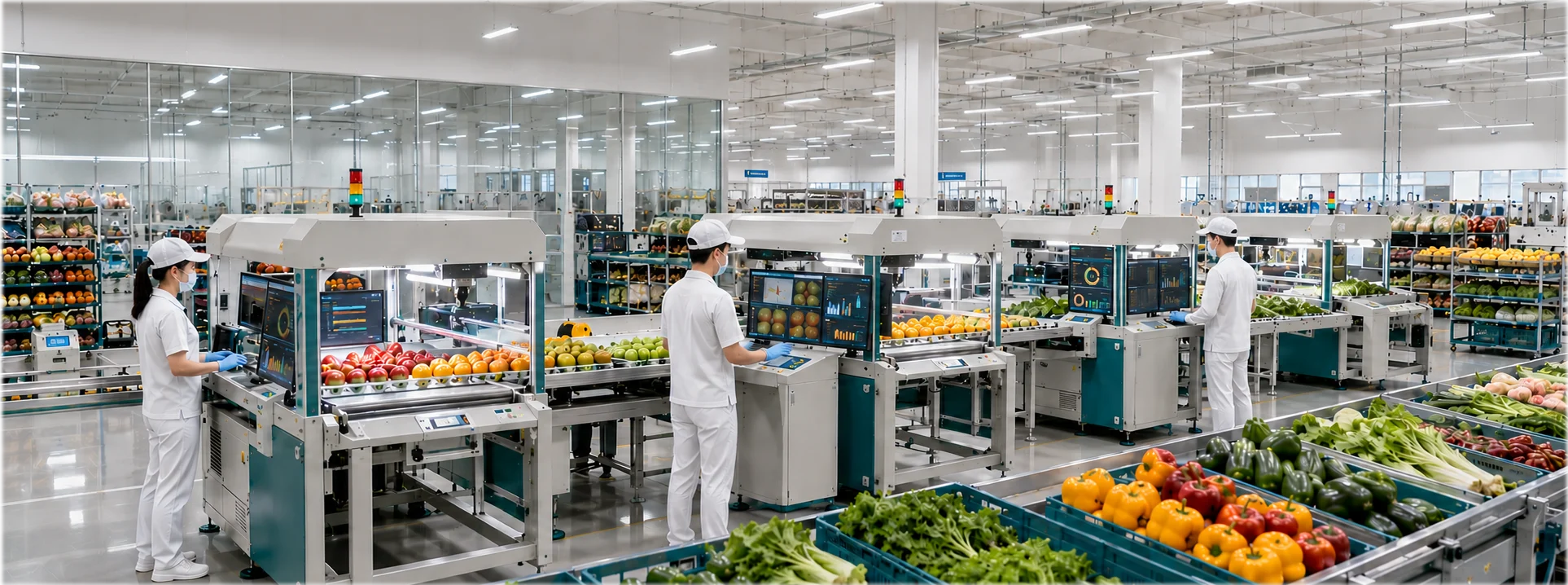
Detect rot, mold and bruising automatically to improve food quality and inspection efficiency.
Build better models with auto-annotation, defect generation and image search.
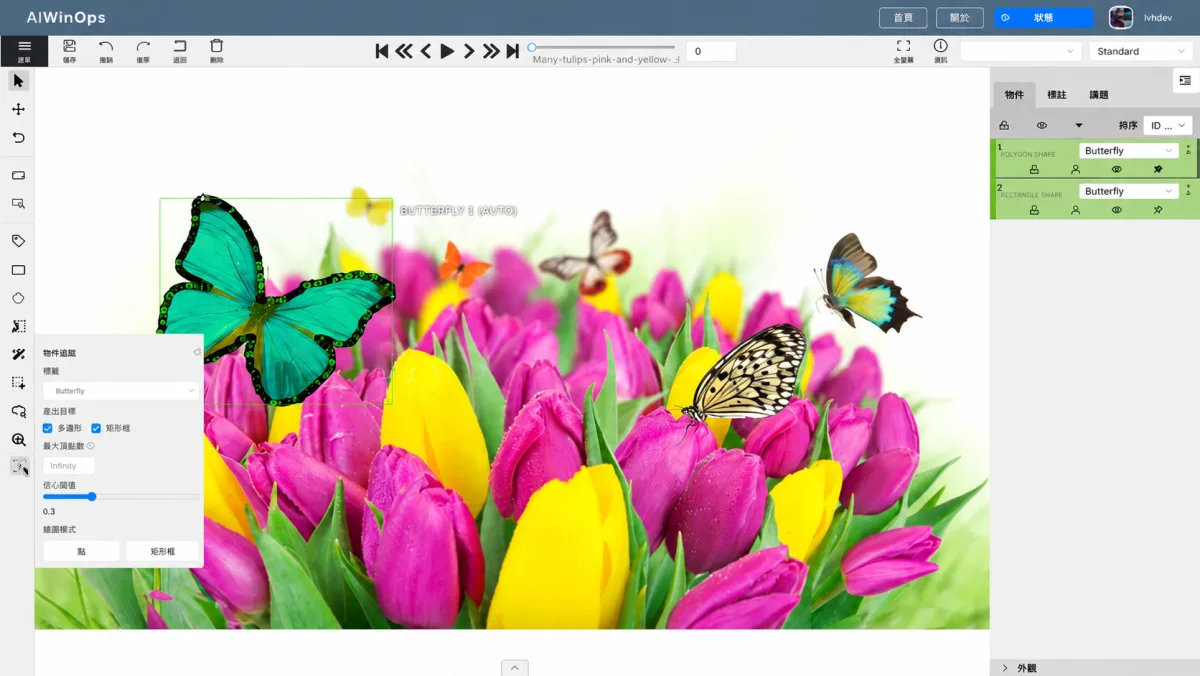
Six auto-annotation modes speed up labeling, from segmentation to video tracking.
Improve datasets with preprocessing, augmentation and generated defects.
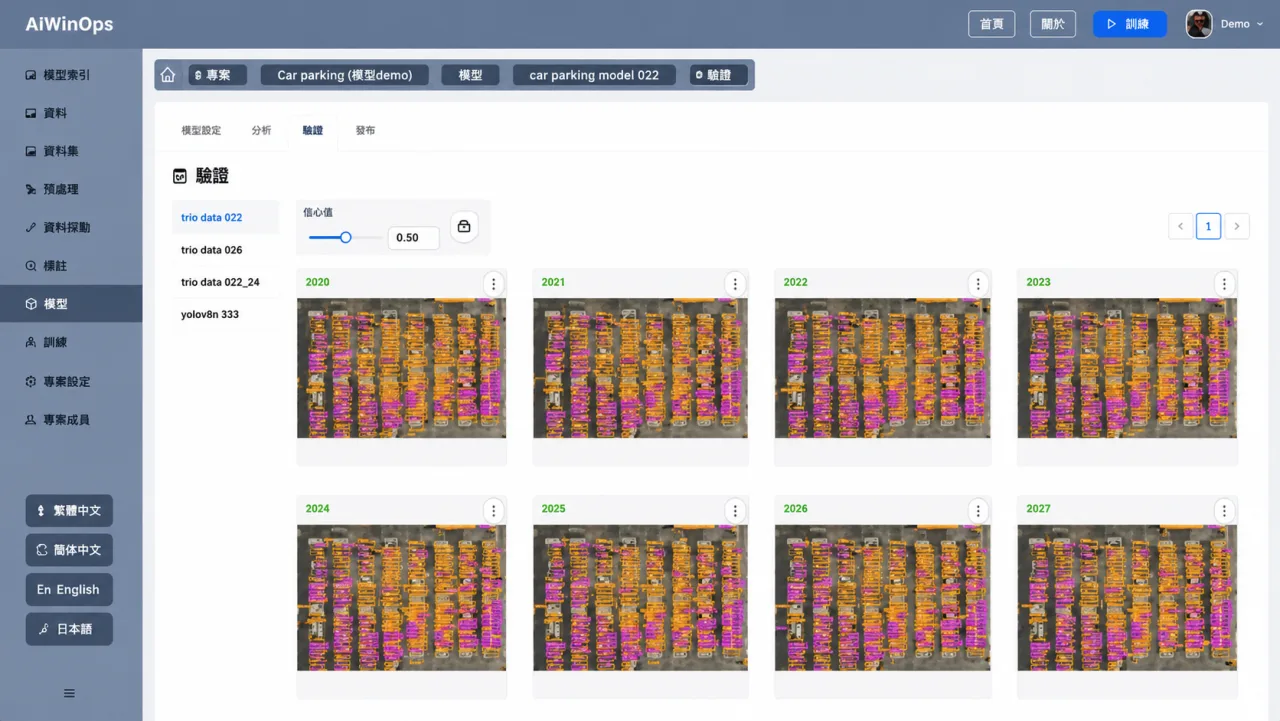
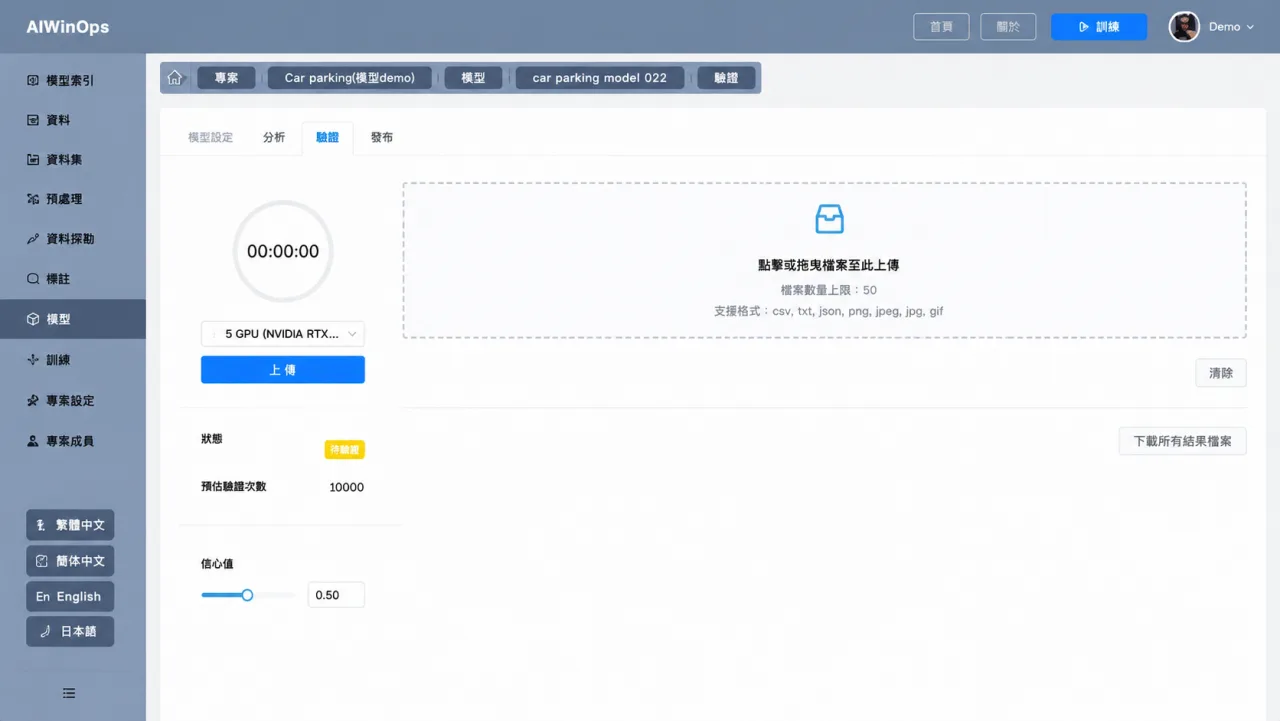
Train and evaluate vision models without code.
Search images by similarity and retrieve matches by API.
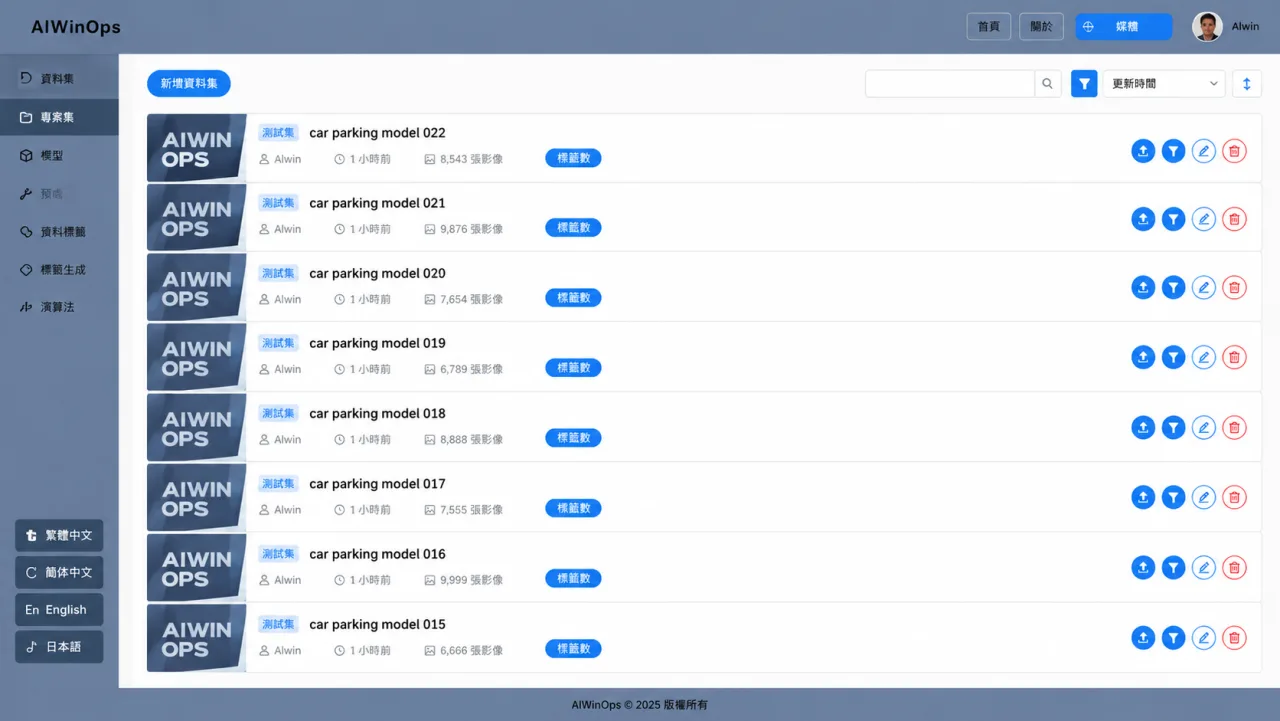
Manage versions, deploy models and run batch inference.
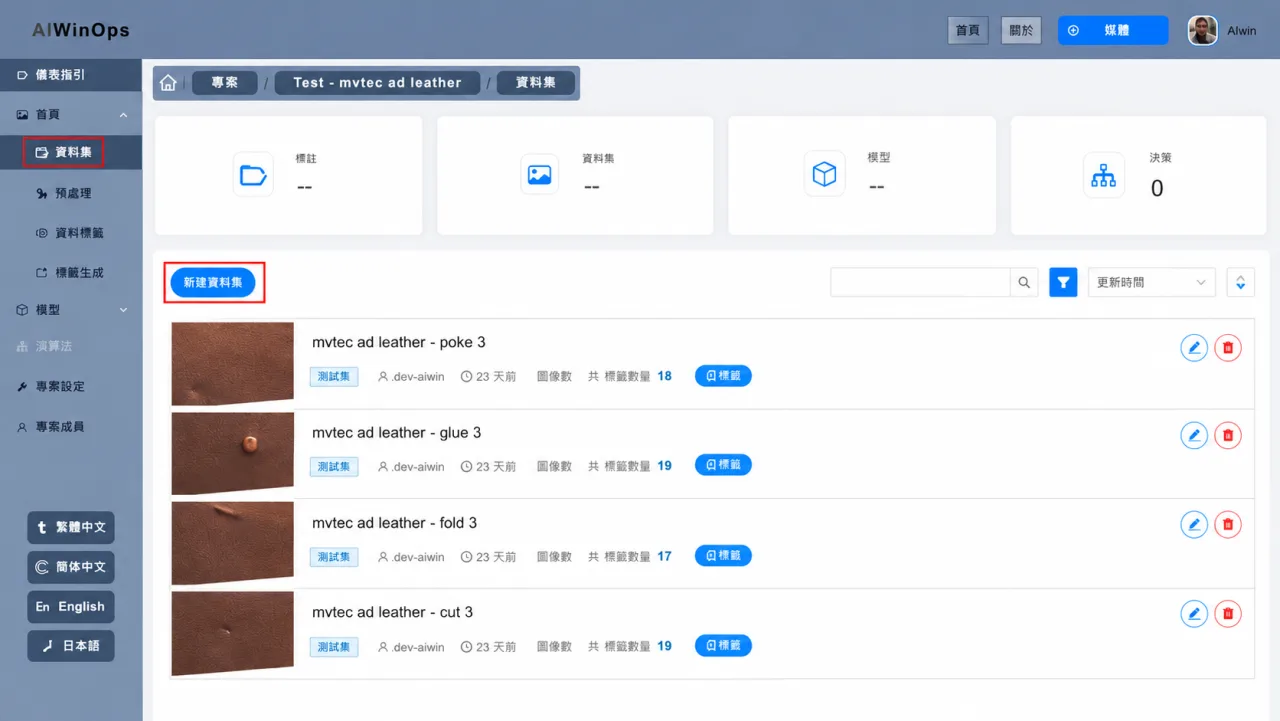
Move from data preparation to a trained model in one workflow.
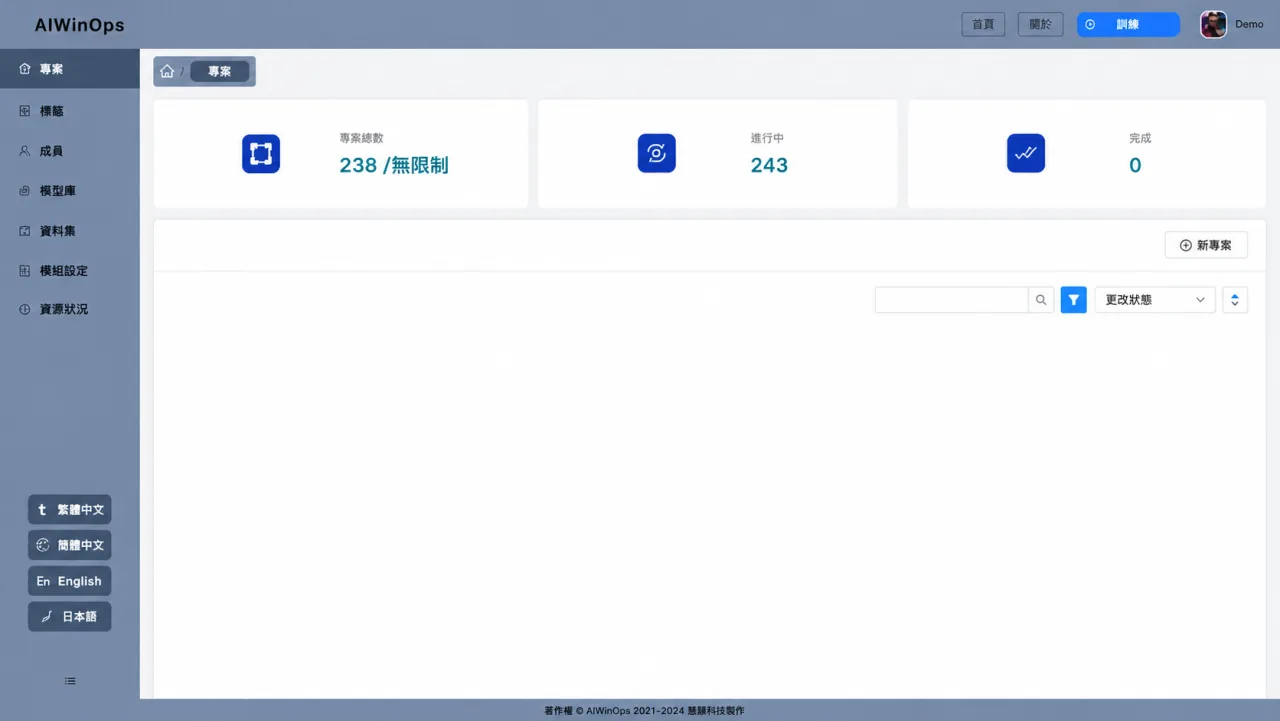 Create a project and choose its vision task: classification, detection, segmentation or anomaly detection.Project Setup
AIWinOps × WinEdge
Connect image sources, models and on-site applications.
100% on-premises, with full control of your data and computing power
| Item | Version |
|---|---|
| Operating System | Ubuntu 22.04 LTS (64-bit) or later |
| NVIDIA GPU Driver | 535.154.05 or later |
| Docker Engine - Community | 20.10.17 or later |
| Item | Minimum | Recommended |
|---|---|---|
| CPU | 12-core Intel® Core™ i7-12700 processor | 20 cores / 40 threads or more, 2 × Intel® Xeon® Silver 4210 processors |
| GPU | NVIDIA GPU, 12GB VRAM, CUDA Compute Capability 7.5 | NVIDIA GPU, 16GB VRAM or more, CUDA Compute Capability 7.5 or higher |
| Memory | 64GB | 128GB or more |
| Storage | 512GB SSD + 1TB HDD | 1TB SSD + 4TB HDD or more |
| Ports | USB 2.0 / 3.0 (for security dongle) | |
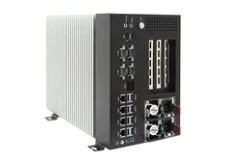
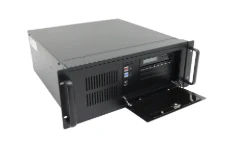
Choose the licensing model that fits your use case and budget.
Best forLong-term use, sensitive data
Best forFlexible budgets, phased needs
Best forFlexible budgets, phased needs