RAG Mode|Enterprise Knowledge
Find answers in your documents, with sources you can check.
Turn policies and procedures into cited answers your team can verify.
Connect your knowledge
to an AI Agent
Connect your documents and business systems.
Let AI agents answer questions and take action.
Give teams trusted answers and access to the tools they need.
Choose cited Q&A or agents that can use approved tools.
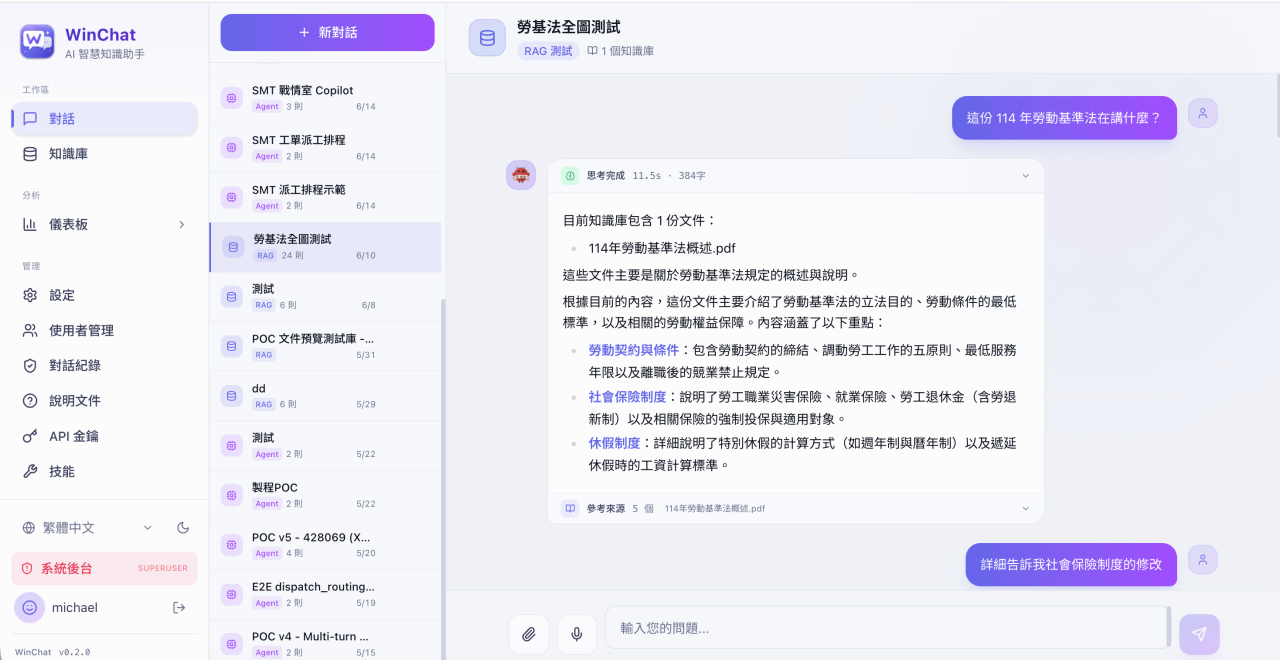
Find answers in your documents, with sources you can check.
Turn policies and procedures into cited answers your team can verify.
Connect AI to your systems to automate everyday tasks.
Connect approved tools and live systems so agents can support daily decisions.
Enterprise Knowledge and Intelligent Q&A
Search documents, connect data and deliver cited answers across teams.
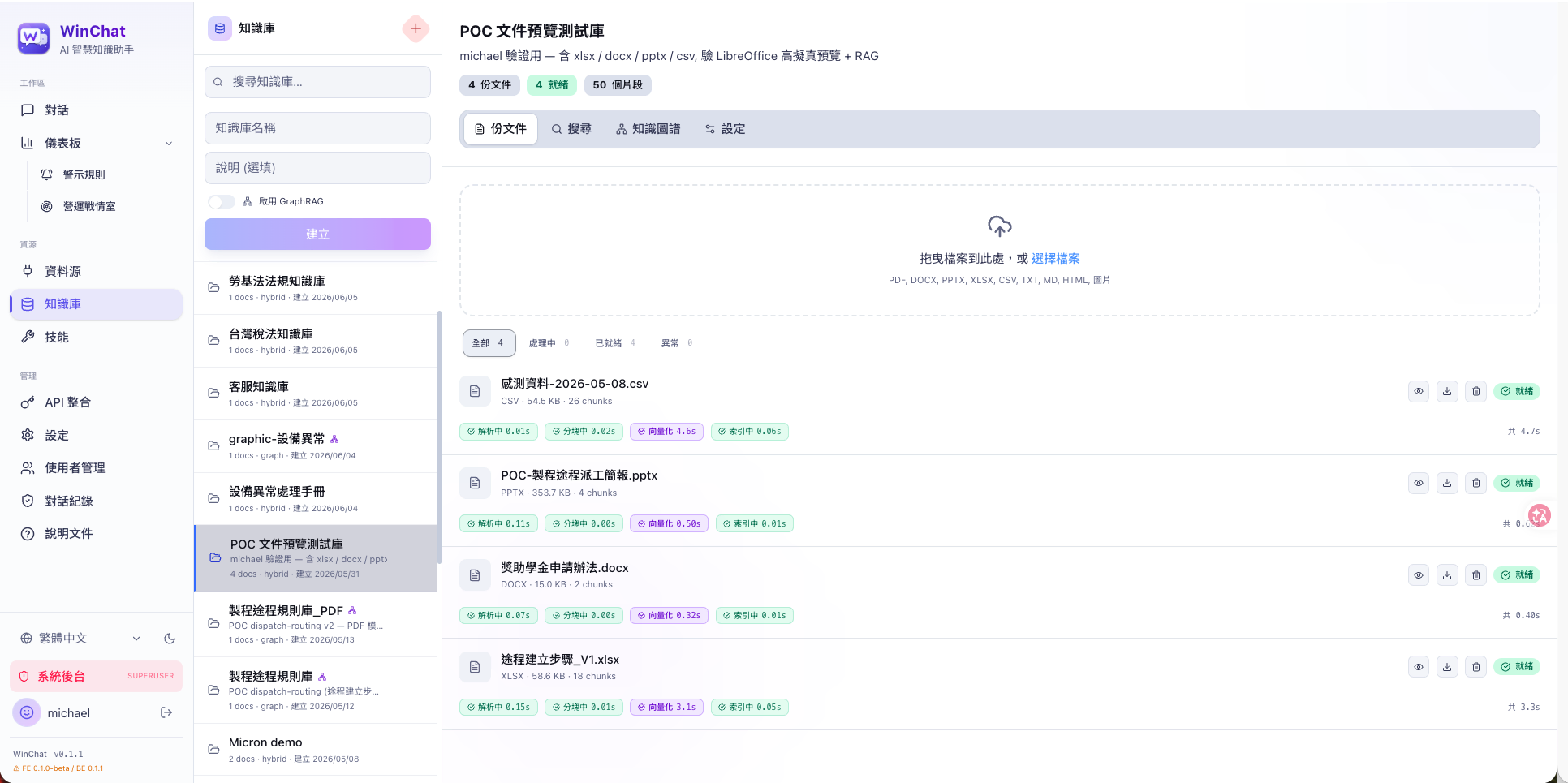
Extract key information from unstructured content in many document formats.
An intuitive web interface for managing resources, permissions and projects.
Create dedicated knowledge bases for each team, with support for many data types.
Back answers with key citations and traceable content to sharply reduce hallucination risk.
An easy-to-use Web API supports flexible expansion and custom integration.
Combine semantic search, hybrid search and GraphRAG to find exactly the knowledge you need.
Search company knowledge and let AI agents support daily work.

Find standard answers quickly so customer service replies stay consistent.
Find standard answers quickly so customer service replies stay consistent.
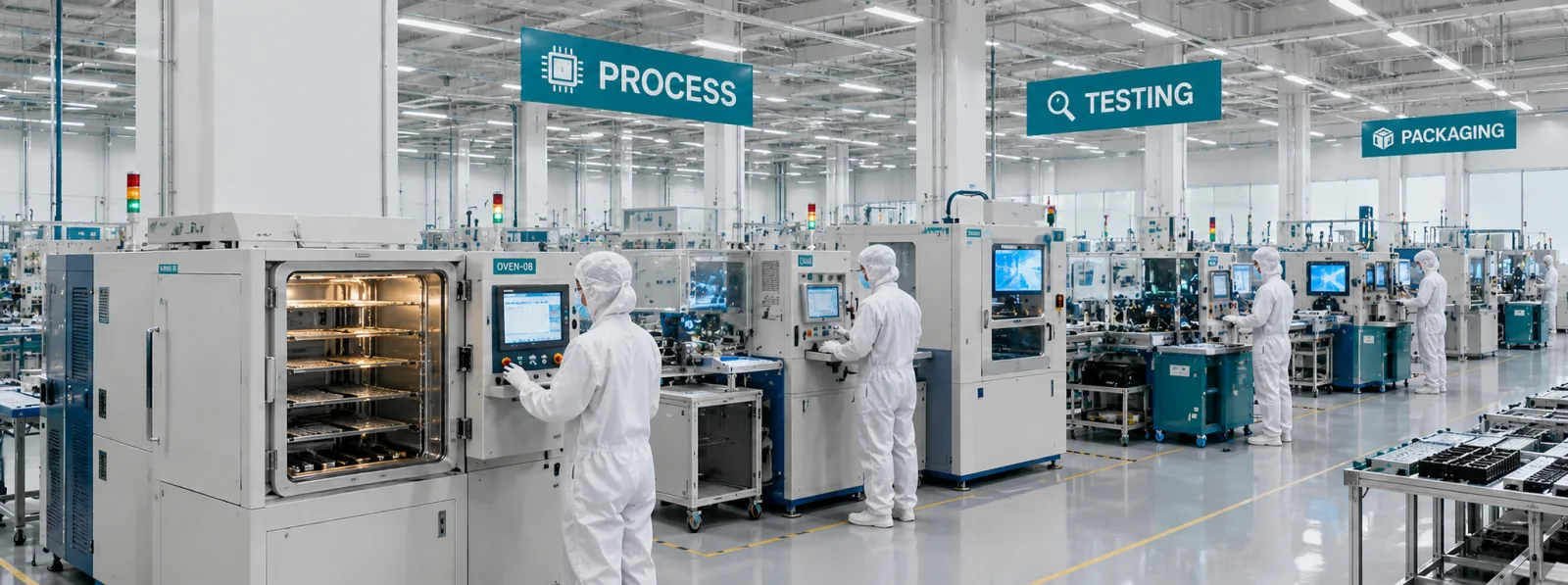
Look up the right procedures instantly and reduce errors.

Find the legal basis, with citations you can trace.

AI agents help new hires learn faster and get up to speed sooner.

Build dashboards in natural language and monitor key operations in real time.
Connect knowledge, tools and business systems in one workspace.
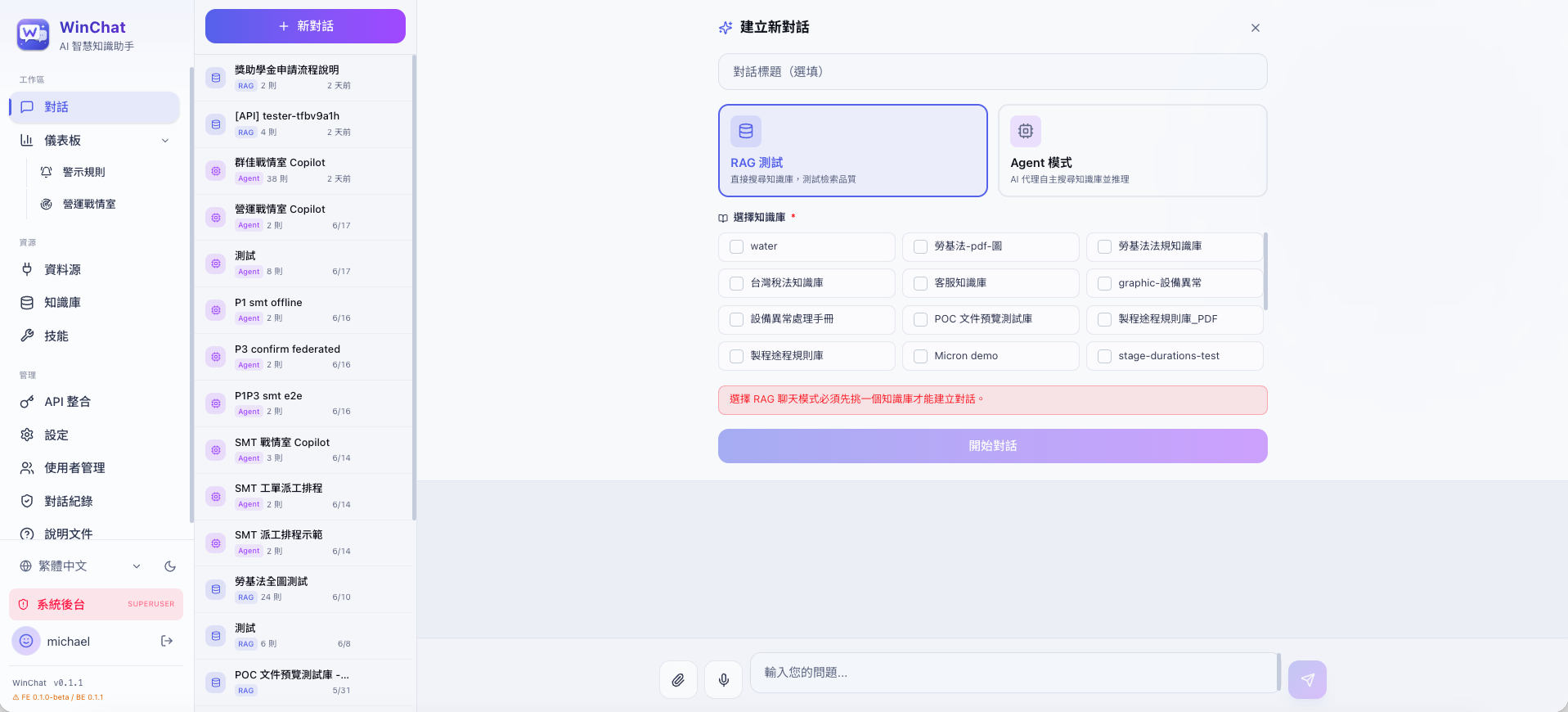
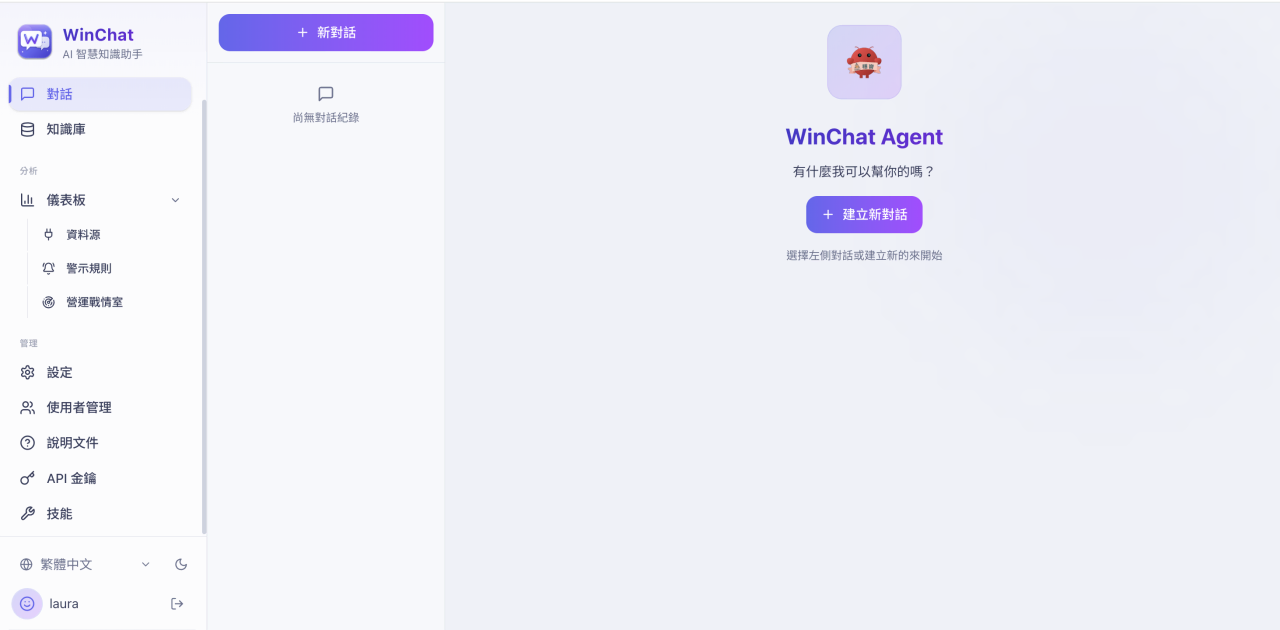
Switch between RAG and Agent modes, ask about documents and revisit past conversations.
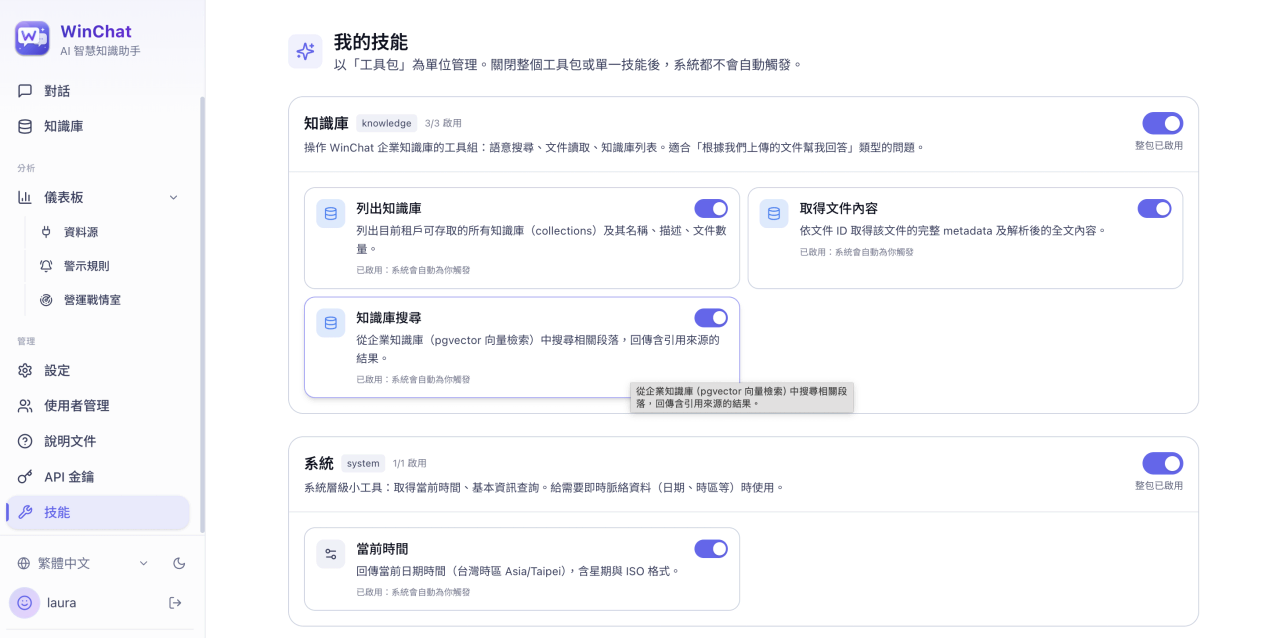
Review standard toolkits and system tools, switch each AI skill on or off, and set tool parameters to control access.
Build dashboards for alerts, throughput and operating trends.
Organize PDF, Word and Excel content in searchable knowledge bases.
Add MySQL, PostgreSQL or CSV connections, test them, then let AI query the live data sources you approve.
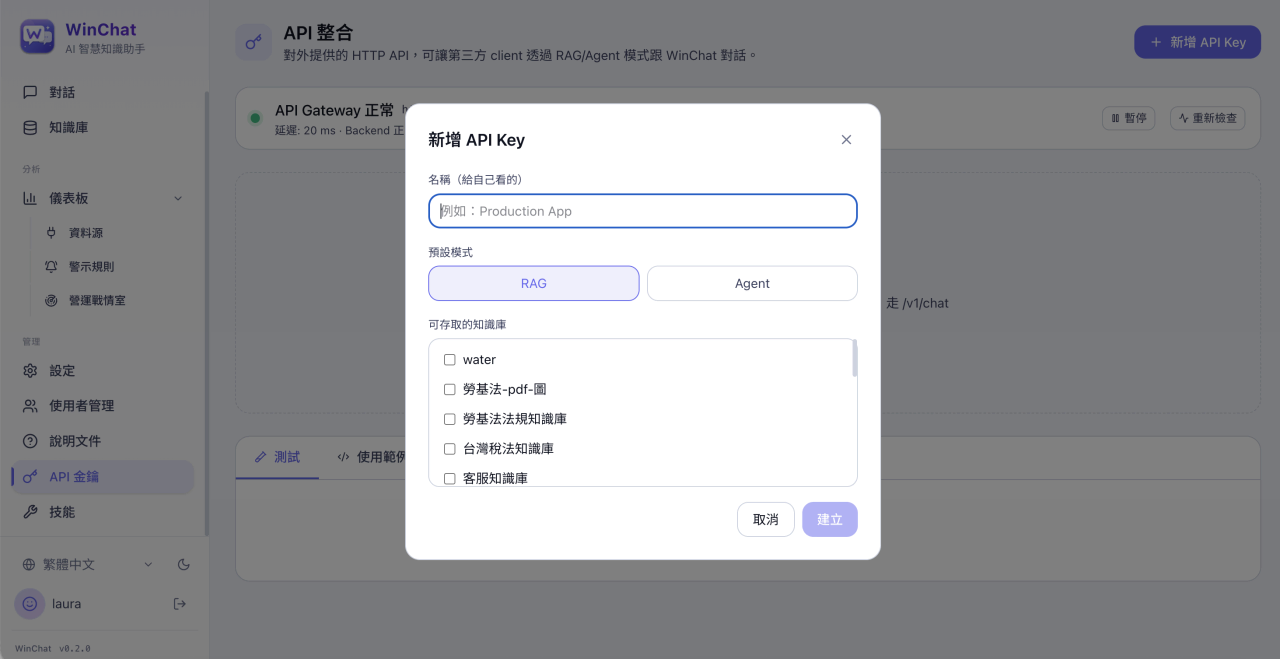
Create and manage API keys, set RAG or Agent mode and knowledge base access, and monitor gateway health and usage.
Add knowledge, set access and start asking.
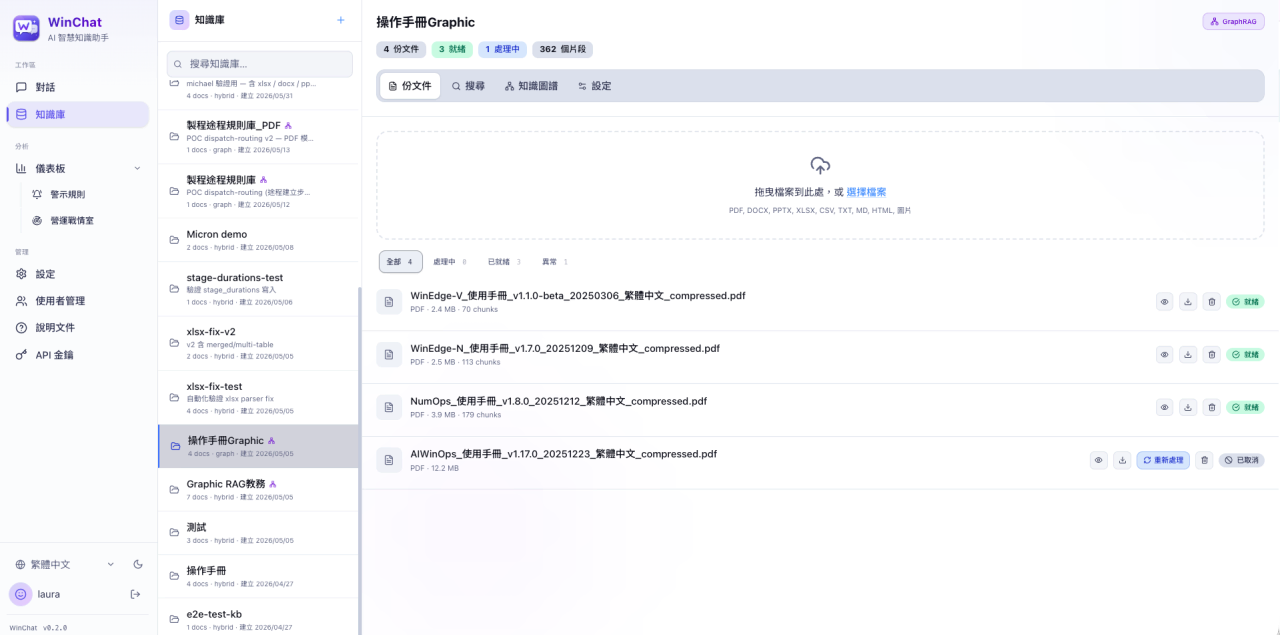 Add documents, choose Vector, Hybrid or GraphRAG search, and connect approved data sources.Set Up Knowledge and Data
WinChat × WinHub.AI Platform × Business Systems
Bring company data and systems into a secure AI workflow.
Deploy on-premises and keep your data and models under your control.
| Item | Version |
|---|---|
| Operating System | Ubuntu 24.04 LTS (64-bit) or later |
| NVIDIA GPU Driver | 535.154.05 or later |
| Docker Engine - Community | 20.10.17 or later |
| Item | Minimum | Recommended |
|---|---|---|
| CPU | 12 cores or more, 3.5GHz | 20 cores or more, 3.5GHz |
| GPU | 24GB VRAM (NVIDIA RTX 4090) | 96GB VRAM (NVIDIA RTX Pro 6000 Blackwell) |
| Memory | 128GB | 256GB |
| Storage | 1TB SSD + 4TB HDD | 2TB SSD + 8TB HDD |
| Supported Models | gpt-oss-20b | gpt-oss-120b or a model of similar size |
| Ports | USB 2.0 / 3.0 (for security dongle) | |
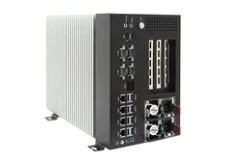
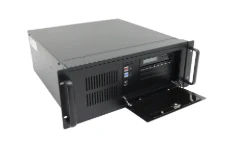
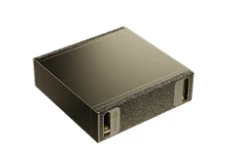
Choose the licensing model that fits your use case and budget.
Best forLong-term use, sensitive data
Best forFlexible budgets, phased needs